Why Is My Laptop Overheating? Common Causes and Fixes | Dallas Laptop Repair
A laptop that runs hot can become slow, noisy, and unreliable. Overheating is one of the most common problems we see in laptops and MacBooks. If left untreated, excessive heat can damage internal components and reduce the lifespan of your device.
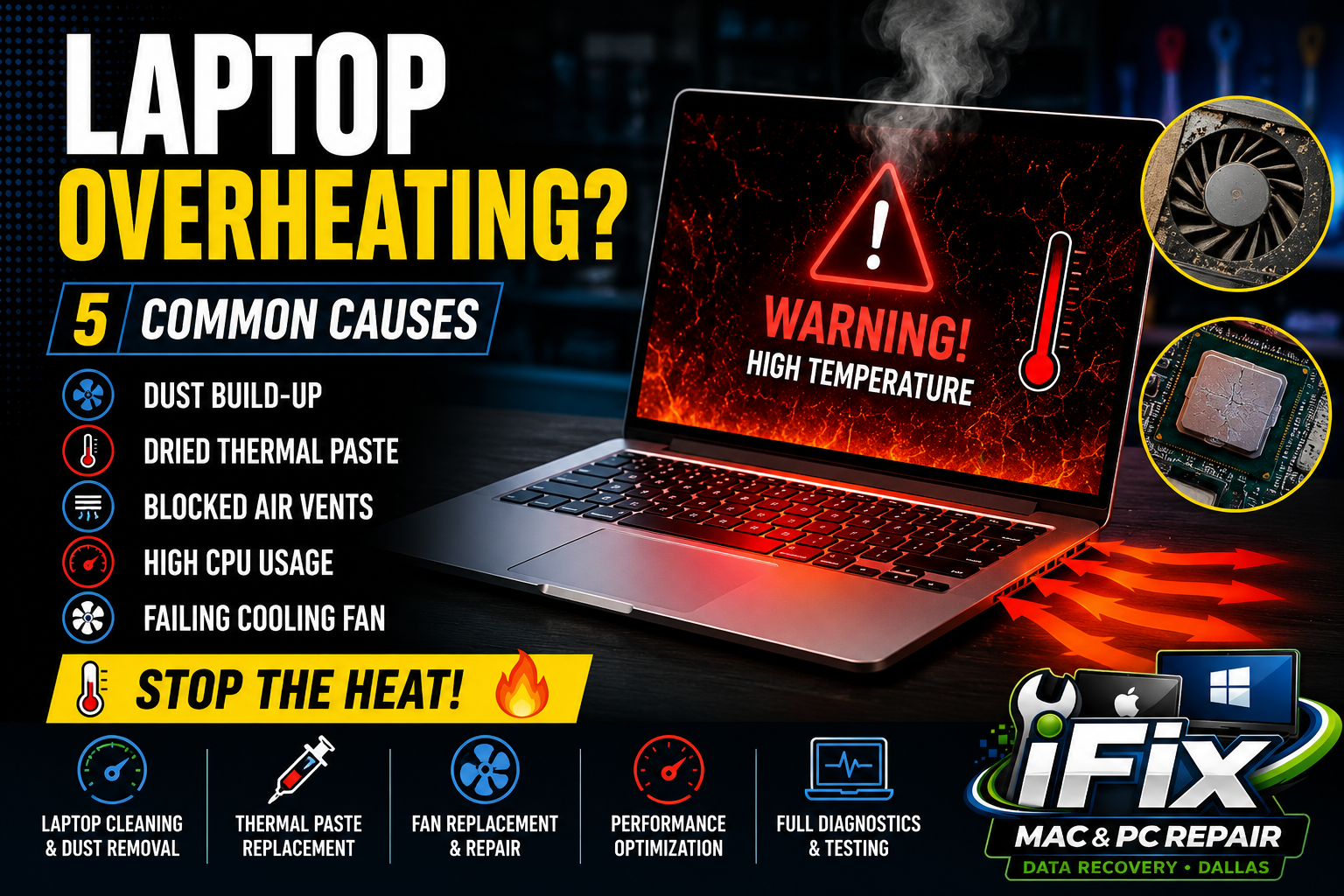
5 COMMON CAUSES OF LAPTOP OVERHEATING
1. Dust Build-Up
Dust can clog cooling vents, fans, and heatsinks, preventing proper airflow. When heat cannot escape, temperatures rise quickly.
2. Dried Thermal Paste
Thermal paste transfers heat from the processor to the cooling system. Over time it can dry out, causing higher CPU temperatures and poor cooling performance.
3. Blocked Air Vents
Using a laptop on a bed, couch, or blanket can block air intake vents and trap heat inside the system.
4. High CPU Usage
Running multiple applications, gaming, video editing, or having too many browser tabs open can place heavy loads on the processor and generate excess heat.
5. Failing Cooling Fan
A damaged or worn-out cooling fan may not spin properly, reducing airflow and causing overheating issues.
Signs Your Laptop Is Overheating
Loud fan noise
Slow performance
Unexpected shutdowns
Hot keyboard or bottom case
Battery draining faster than normal
How to Fix Laptop Overheating
Clean internal dust and debris
Replace old thermal paste
Check fan operation
Keep vents clear
Close unnecessary programs
Upgrade cooling components if needed
Professional Laptop Repair in Dallas
If your laptop continues to overheat, professional diagnostics can identify the root cause. At iFix Mac & PC Repair Dallas, we provide laptop cleaning, thermal paste replacement, fan replacement, performance optimization, and hardware repair services.
Contact iFix Mac & PC Repair Dallas today for fast, affordable laptop repair and maintenance services in Dallas, Texas.