Broken MacBook Screen Replacement in Dallas | Repair Guide
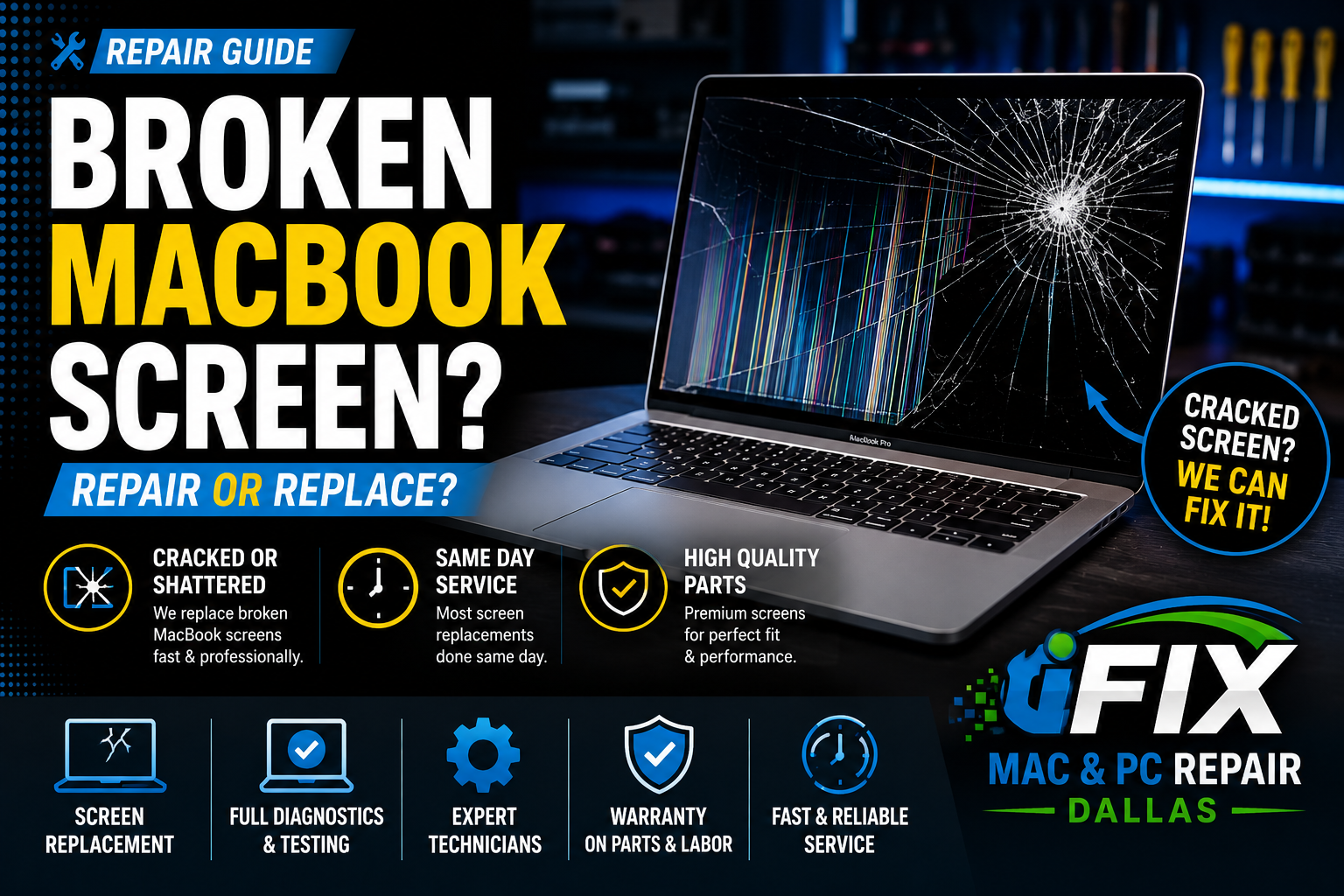
A broken MacBook screen can make your laptop difficult or impossible to use. Whether the damage is caused by a drop, pressure on the display, or accidental impact, replacing the screen is often the fastest way to restore your MacBook to like-new condition.
Signs Your MacBook Screen Needs Replacement
Cracked or shattered glass
Black screen with power on
Vertical or horizontal lines
Flickering display
Dead pixels or dark spots
Liquid damage inside the screen
Common Causes of Screen Damage
1. Accidental Drops
Even a small fall can crack the display or damage internal screen components.
2. Pressure Damage
Closing the lid with an object on the keyboard can crack the screen.
3. Liquid Damage
Liquid entering the display assembly can cause discoloration, flickering, or complete failure.
4. Impact Damage
Bumping or dropping heavy objects onto the display can break the LCD panel.
Can a Cracked MacBook Screen Be Repaired?
In most cases, the entire display assembly must be replaced. Modern MacBook screens combine multiple layers, making full replacement the most reliable solution.
How Long Does Screen Replacement Take?
Many MacBook screen replacements can be completed within the same day once parts are available. The exact repair time depends on the MacBook model and screen availability.
Professional MacBook Screen Replacement in Dallas
At iFix Mac & PC Repair Dallas, we provide professional MacBook screen replacement services for MacBook Air and MacBook Pro models. Our technicians perform thorough diagnostics and use high-quality replacement parts to restore your display.
Whether your screen is cracked, flickering, or completely black, we can help get your MacBook working again quickly and affordably.