How to Prevent Accidental Data Loss | Data Recovery Guide
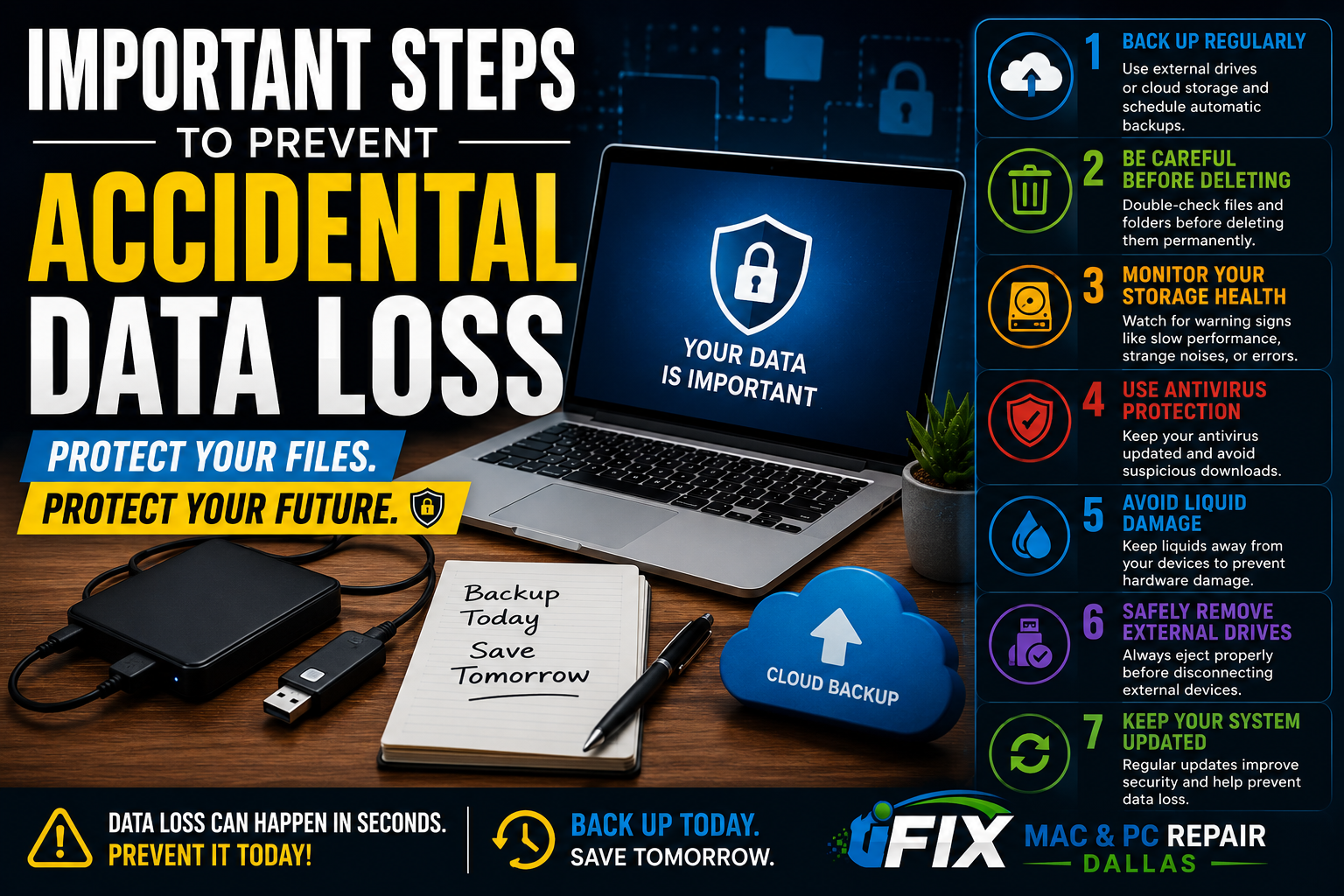
Data loss can happen when you least expect it. Whether it's accidentally deleting files, a failing hard drive, ransomware, or hardware failure, losing important data can be frustrating and expensive. Fortunately, a few simple precautions can dramatically reduce your risk.
1. Back Up Your Data Regularly
The most important step is maintaining regular backups.
Use an external hard drive
Use cloud storage services
Schedule automatic backups
Verify backups regularly
2. Be Careful Before Deleting Files
Always double-check files before permanently deleting them. Many users accidentally remove important folders while cleaning up storage space.
3. Protect Against Hardware Failure
Hard drives and SSDs can fail without warning.
Watch for:
Slow performance
Clicking noises
Frequent crashes
Corrupted files
4. Use Antivirus Protection
Viruses and ransomware can encrypt or destroy valuable data. Keep your antivirus software updated and avoid suspicious downloads.
5. Avoid Liquid Damage
Water and electronics do not mix. Even a small spill can damage storage devices and lead to data loss.
6. Safely Remove External Drives
Always eject USB drives and external hard drives properly before disconnecting them.
7. Keep Your System Updated
Operating system and software updates often include security improvements that help protect your data.
What To Do If Data Is Lost
Stop using the device immediately. Continuing to use a drive after data loss may overwrite recoverable files and reduce the chances of successful recovery.
Professional Data Recovery in Dallas
At iFix Mac & PC Repair Dallas, we specialize in professional data recovery services for MacBooks, laptops, desktops, SSDs, hard drives, and external storage devices.
If you've accidentally deleted important files or experienced drive failure, contact iFix Mac & PC Repair Dallas for expert data recovery assistance.