MacBook Battery Draining Fast? Causes and Solutions | Dallas MacBook Repair
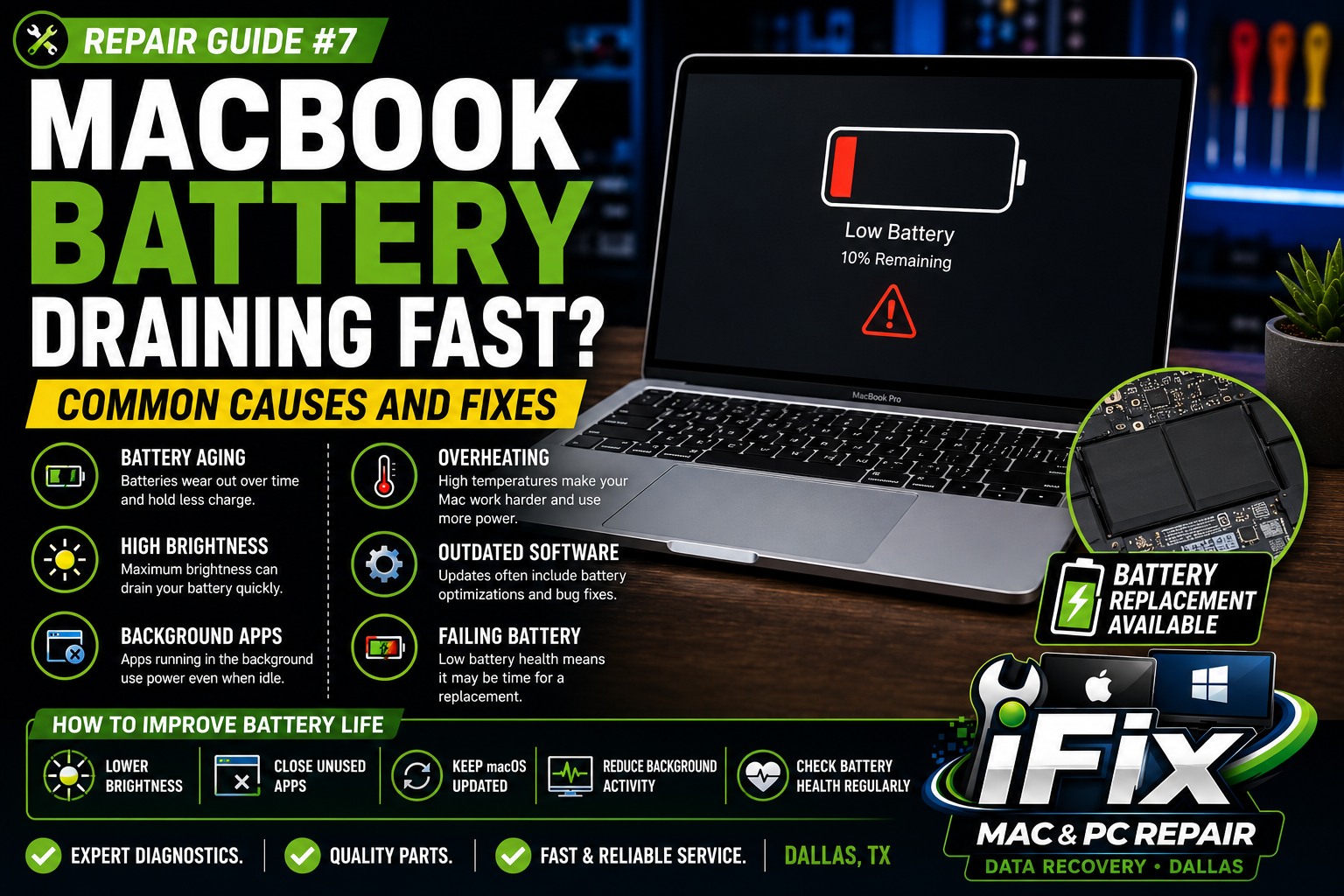
A MacBook battery that drains quickly can be frustrating, especially when you're working, traveling, or attending classes. While all batteries naturally wear out over time, there are several reasons your battery may be losing power faster than expected.
1. Battery Age
MacBook batteries typically last between 3-5 years depending on usage and cycle counts. As batteries age, their capacity decreases and they hold less charge.
2. Too Many Background Applications
Applications running in the background consume power even when you're not actively using them. Closing unnecessary apps can improve battery life.
3. High Screen Brightness
Keeping your display at maximum brightness significantly increases battery consumption.
4. Outdated macOS
Software updates often include battery optimizations and performance improvements.
5. Browser Tabs and Extensions
Multiple tabs, streaming services, and browser extensions can increase CPU usage and reduce battery life.
6. Overheating
When your MacBook runs hot, the system works harder and consumes more power. Dust buildup and poor airflow can contribute to overheating.
7. Failing Battery
If your battery health is low or you receive a "Service Recommended" warning, replacement may be necessary.
How to Improve MacBook Battery Life
Lower screen brightness
Close unused applications
Disable unnecessary startup programs
Keep macOS updated
Reduce background activity
Check battery health regularly
Professional MacBook Battery Replacement in Dallas
If your MacBook battery drains quickly or won't hold a charge, iFix Mac & PC Repair Dallas offers professional battery diagnostics and replacement services. We can test battery health, identify power-related issues, and restore reliable battery performance.
Contact iFix Mac & PC Repair Dallas today for fast and affordable MacBook battery replacement services.