Why Is My Laptop Slow or Overheating? | Dallas Laptop Repair Guide
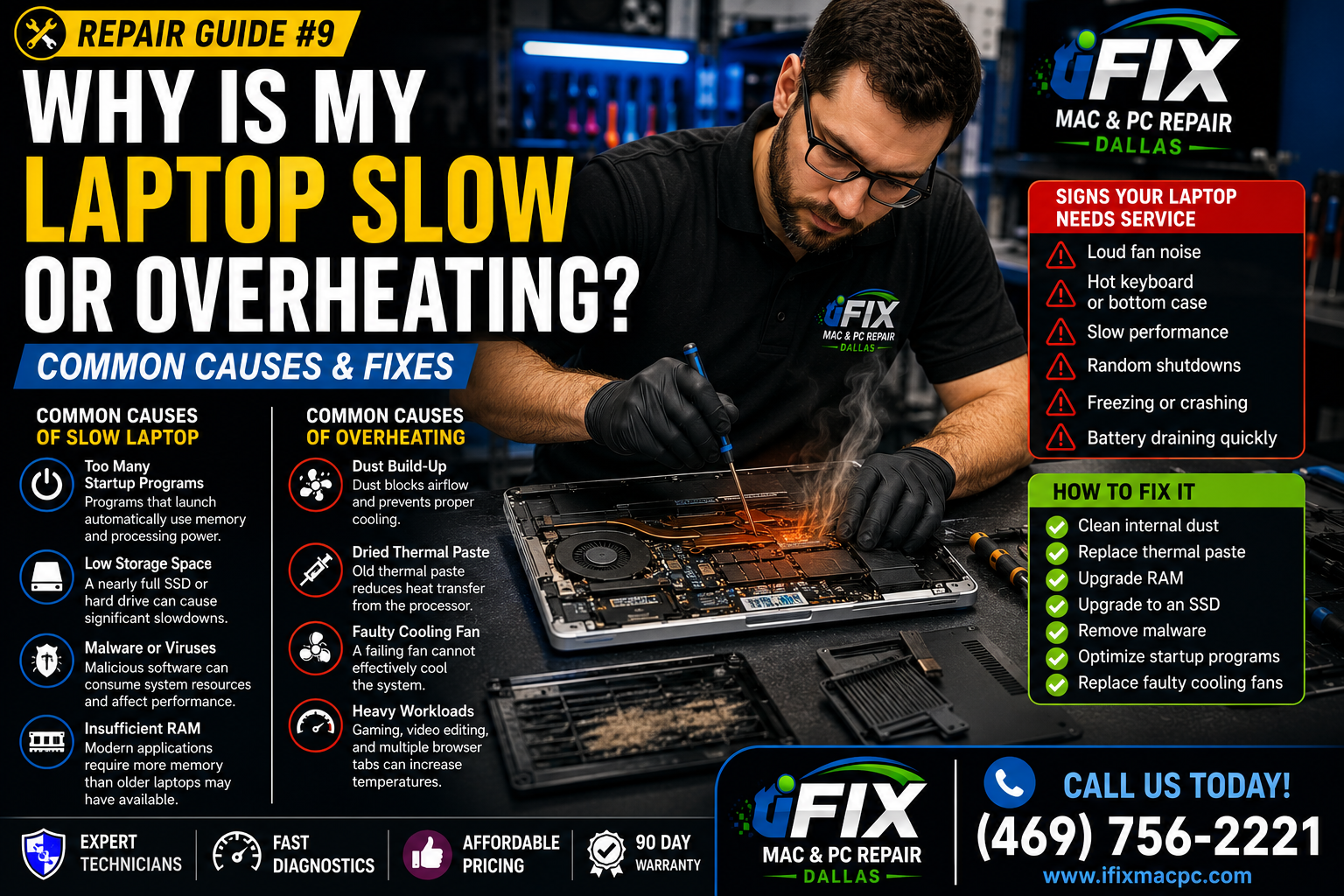
A slow or overheating laptop is one of the most common problems users experience. In many cases, both issues are related. When a laptop gets too hot, it automatically reduces performance to protect internal components.
Common Causes of a Slow Laptop
1. Too Many Startup Programs
Programs that launch automatically use memory and processing power.
2. Low Storage Space
A nearly full SSD or hard drive can cause significant slowdowns.
3. Malware or Viruses
Malicious software can consume system resources and affect performance.
4. Insufficient RAM
Modern applications require more memory than older laptops may have available.
Common Causes of Overheating
1. Dust Build-Up
Dust blocks airflow and prevents proper cooling.
2. Dried Thermal Paste
Old thermal paste reduces heat transfer from the processor.
3. Faulty Cooling Fan
A failing fan cannot effectively cool the system.
4. Heavy Workloads
Gaming, video editing, and multiple browser tabs can increase temperatures.
Signs Your Laptop Needs Service
Loud fan noise
Hot keyboard or bottom case
Slow performance
Random shutdowns
Freezing or crashing
Battery draining quickly
How to Fix It
✅ Clean internal dust
✅ Replace thermal paste
✅ Upgrade RAM
✅ Upgrade to an SSD
✅ Remove malware
✅ Optimize startup programs
✅ Replace faulty cooling fans
Professional Laptop Repair in Dallas
At iFix Mac & PC Repair Dallas, we provide laptop cleaning, SSD upgrades, RAM upgrades, fan replacement, thermal paste service, virus removal, and complete performance optimization.
Contact iFix Mac & PC Repair Dallas today for fast diagnostics and affordable laptop repair services.