How to Recover Deleted Files, Pictures, or Videos from an SSD?
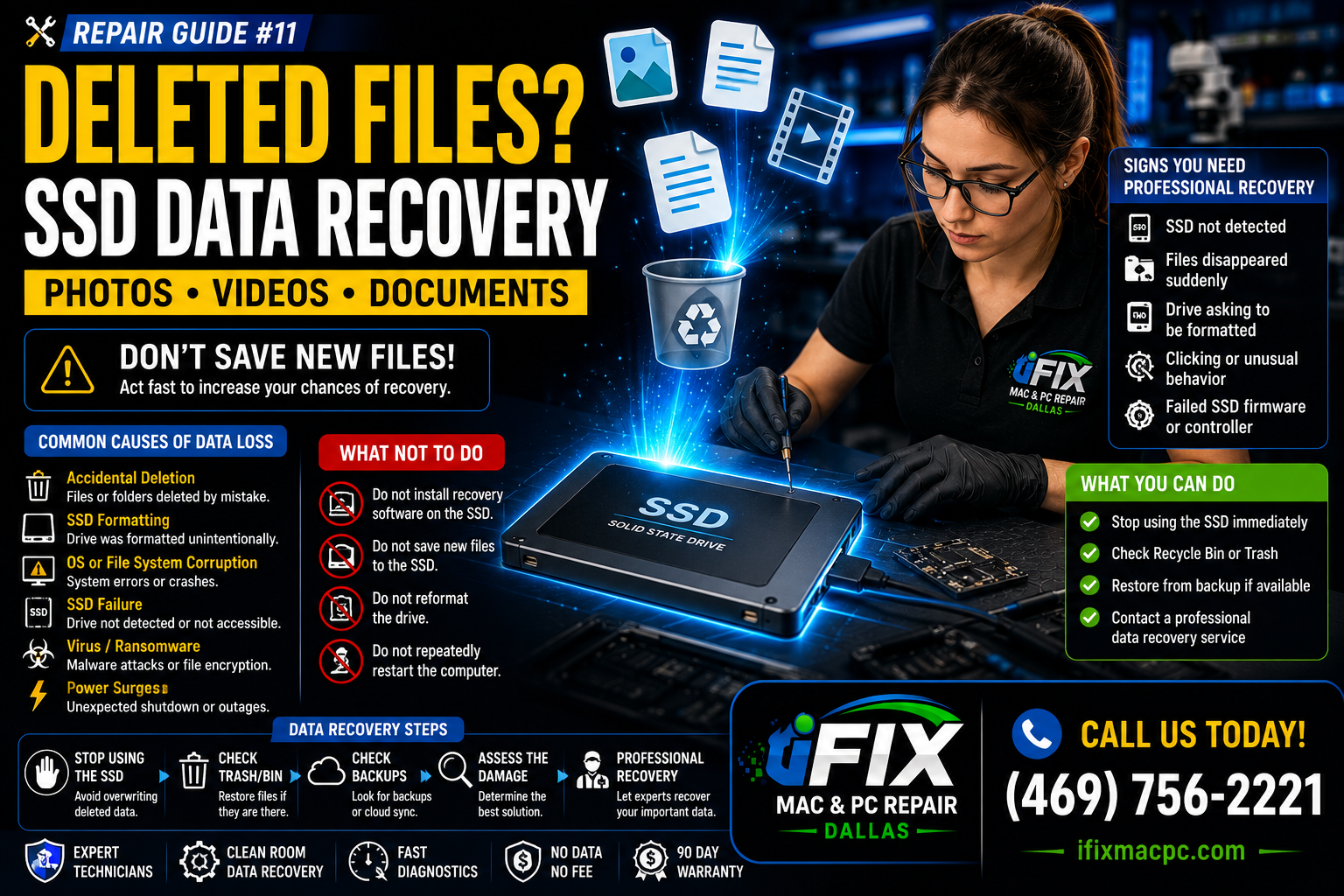
Deleting important files from an SSD can be stressful, but acting quickly may improve the chances of recovery. Whether you've lost photos, videos, documents, or business files, the first few steps are critical.
Stop Using the SSD Immediately
The most important thing to do is stop saving new files to the SSD. New data can overwrite deleted files and make recovery much more difficult.
Check the Recycle Bin or Trash
Many deleted files can be restored instantly if they are still in the Recycle Bin (Windows) or Trash (Mac).
Restore from Backup
Check:
Time Machine (Mac)
Windows File History
OneDrive
Google Drive
Dropbox
External backups
Understand SSD TRIM Technology
Most modern SSDs use a feature called TRIM. Once TRIM runs, deleted data may be permanently erased and become unrecoverable.
This is why immediate action is important.
Common Causes of SSD Data Loss
Accidental file deletion
SSD formatting
Operating system corruption
SSD failure
Virus or ransomware attacks
Power surges
Signs You Need Professional Data Recovery
SSD not detected
Files disappeared suddenly
Drive asking to be formatted
Clicking or unusual behavior
Failed SSD firmware
What NOT To Do
❌ Do not install recovery software on the affected SSD
❌ Do not save new files to the SSD
❌ Do not reformat the drive
❌ Do not repeatedly restart the computer
Professional SSD Data Recovery in Dallas
At iFix Mac & PC Repair Dallas, we specialize in SSD data recovery for MacBooks, laptops, desktops, and external SSDs. Our technicians can evaluate your drive and determine the best recovery options for deleted files, photos, videos, and business documents.
Contact iFix Mac & PC Repair Dallas today for professional SSD data recovery services.