iPhone Data Recovery: How to Recover Deleted Photos, Videos, Contacts & Messages
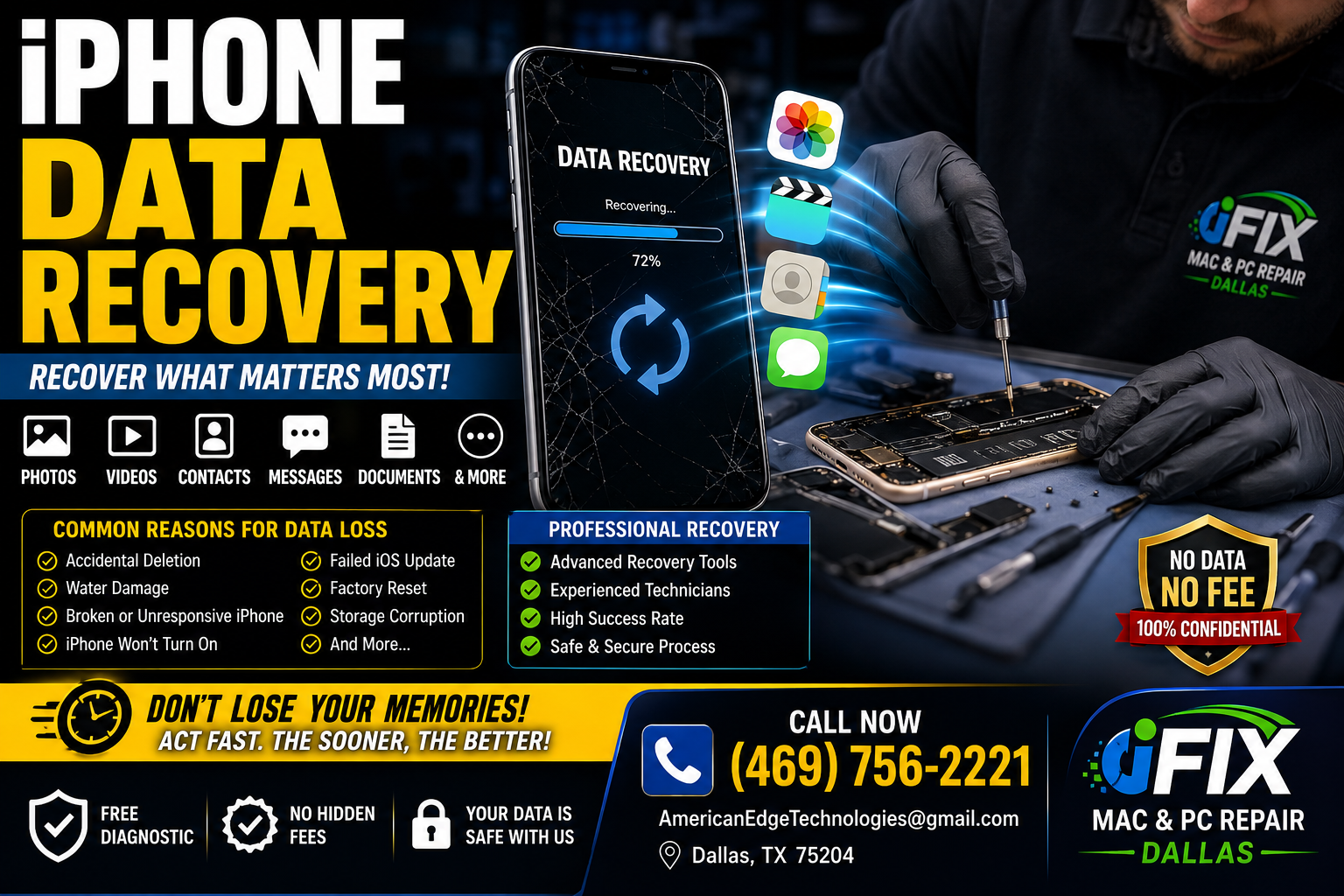
Lost important photos, videos, contacts, or messages from your iPhone? Learn how iPhone data recovery works and what to do before your data is permanently lost.
Losing important data from your iPhone can be stressful. Whether you accidentally deleted family photos, important videos, contacts, messages, or documents, acting quickly can improve your chances of recovery.
Common Reasons for iPhone Data Loss
Accidental deletion
Water damage
Broken or unresponsive screen
iPhone won't turn on
Failed iOS update
Factory reset
Storage corruption
Logic board failure
Can Deleted Data Be Recovered?
In many cases, yes. Recovery depends on several factors, including how the data was lost and whether it has been overwritten.
If your iPhone is physically damaged or won't power on, professional recovery may still be possible.
Try These Steps First
1. Check Recently Deleted
Open the Photos app and check the Recently Deleted album. Deleted photos and videos are typically stored there for up to 30 days.
2. Restore from iCloud Backup
If you regularly back up your iPhone, your files may be recoverable from iCloud.
3. Check Your Computer Backup
If you've backed up your iPhone to a Mac or Windows PC, you may be able to restore your data.
4. Stop Using the Device
If files were accidentally deleted, avoid taking new photos, installing apps, or saving new data, as this can reduce the chances of successful recovery.
When You Need Professional Data Recovery
Professional recovery may be necessary if:
Your iPhone won't turn on
The screen is completely broken
The phone has water damage
The logic board is damaged
Important files are missing
The device is stuck in a boot loop
We Can Recover
📸 Photos
🎥 Videos
👥 Contacts
💬 Text Messages
📄 Documents
📱 App Data (when recoverable)
Professional iPhone Data Recovery in Dallas
At iFix Mac & PC Repair Dallas, we specialize in iPhone diagnostics and data recovery. Whether your device has suffered physical damage, liquid damage, or software failure, our experienced technicians will evaluate your iPhone and recommend the best recovery solution.
Contact Us
iFix Mac & PC Repair Dallas
📍 Dallas, TX 75204
📞 (469) 756-2221
📧 [email protected]